Remote File Inclusion: What is it? Where does it live? What does it feed on?
In short, it is a vulnerability that lets someone upload a malicious file to the application’s own server. It is also known by the abbreviation RFI.
The consequences can vary widely, from simple information theft to full control of the server. Beyond taking over the system and its data, an attacker can often move laterally across the internal network, depending on the permissions defined in the infrastructure.
At first, we might picture someone uploading a virus that locks, encrypts or destroys the server’s data, but a simple malicious page can give an attacker far more interesting control. These pages are popularly known as Web Shells.
Web Shell
Practically every web language has features for running commands on the application server. Those commands are normally legitimate, but a page that lets you type in any command and have the server execute it carries enormous potential and risk.
That is essentially what Web Shell pages do: they force open another vulnerability in the application, called Remote Command Execution.
An RFI flaw that leads to remote command execution can also be considered a type of application backdoor.
PoC
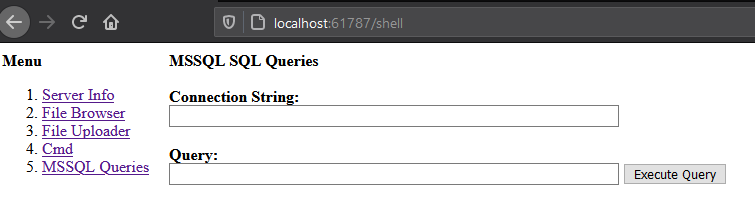
To practice, test and demonstrate this, I built my own super Web Shell for ASP.NET applications. The first version of the page is published on my personal GitHub, at the link below:
A page like this doesn’t have to stop at running remote commands, so I built one that does more:
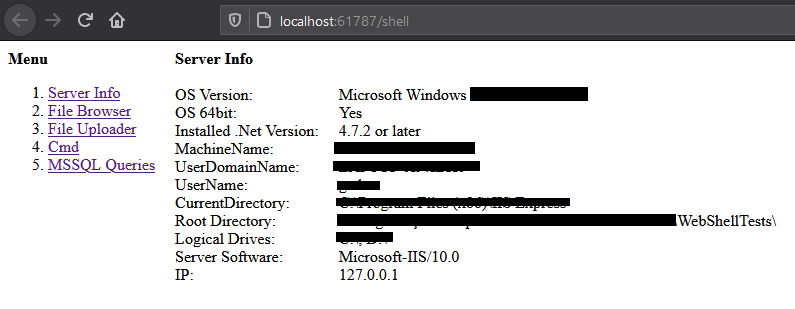
Gets key information about the server
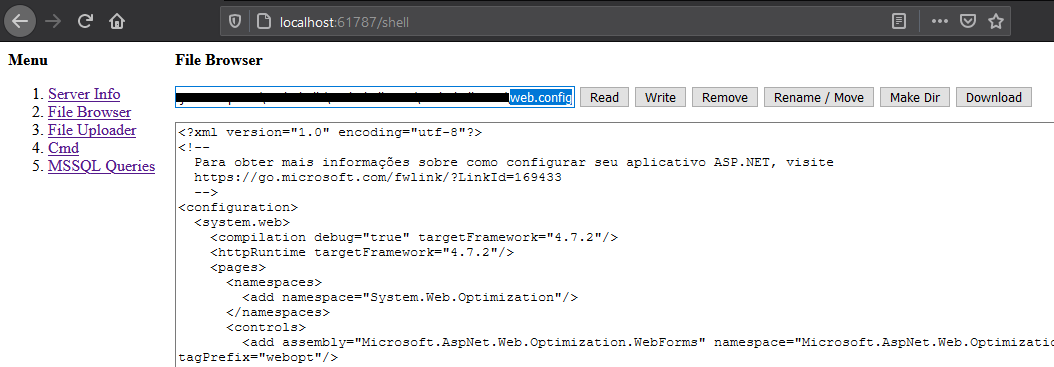
Reads, writes, deletes, renames and downloads files on the server
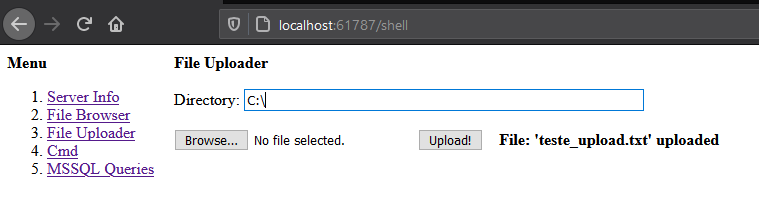
Uploads other files to the server
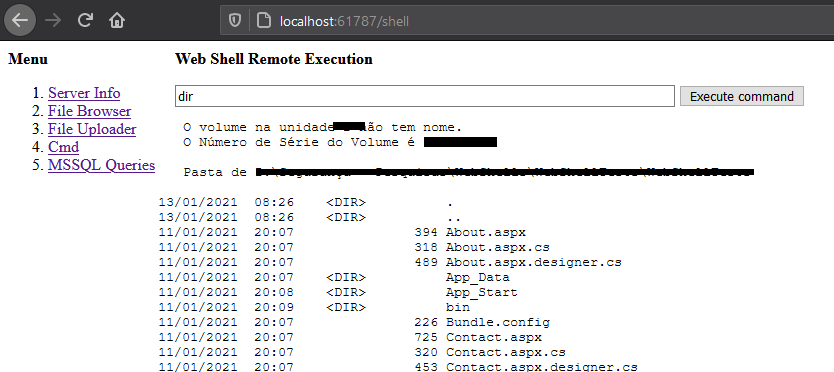
Runs operating system commands
Connects to an MSSQL database and runs SQL commands.
Challenges
Validating the files users upload to a system is not always simple. The usual mitigations often fall short because we don’t know every type of malicious file that could end up on the server. With that in mind, here are some Dos and Don’ts to consider:
Don’t
- Don’t allow uploads of just any file.
- If possible, don’t write uploaded files to the server’s file system.
- Don’t restrict a file by checking only its extension.
- Don’t restrict files using a “DenyList” approach.
Do
- Give your application the most restrictive permissions possible for interacting with the server.
- Store uploaded files only in a database or on a dedicated, isolated server.
- If possible, don’t let your application access pages it doesn’t already know about.
- If you do have to save files to disk, use an “AllowList” approach, meaning only files with known content formats.
- Validate the file’s binary signature to confirm it is the expected type, and don’t rely on the extension alone.
Conclusion
All it takes is a little knowledge and a lot of creativity.
Make sure your application isn’t the unlocked front door of the building.
Disclaimer
Using this page or similar scripts on a server you don’t own, or without permission, is illegal. Use them only for educational and research purposes.